Root Uninstaller
Tools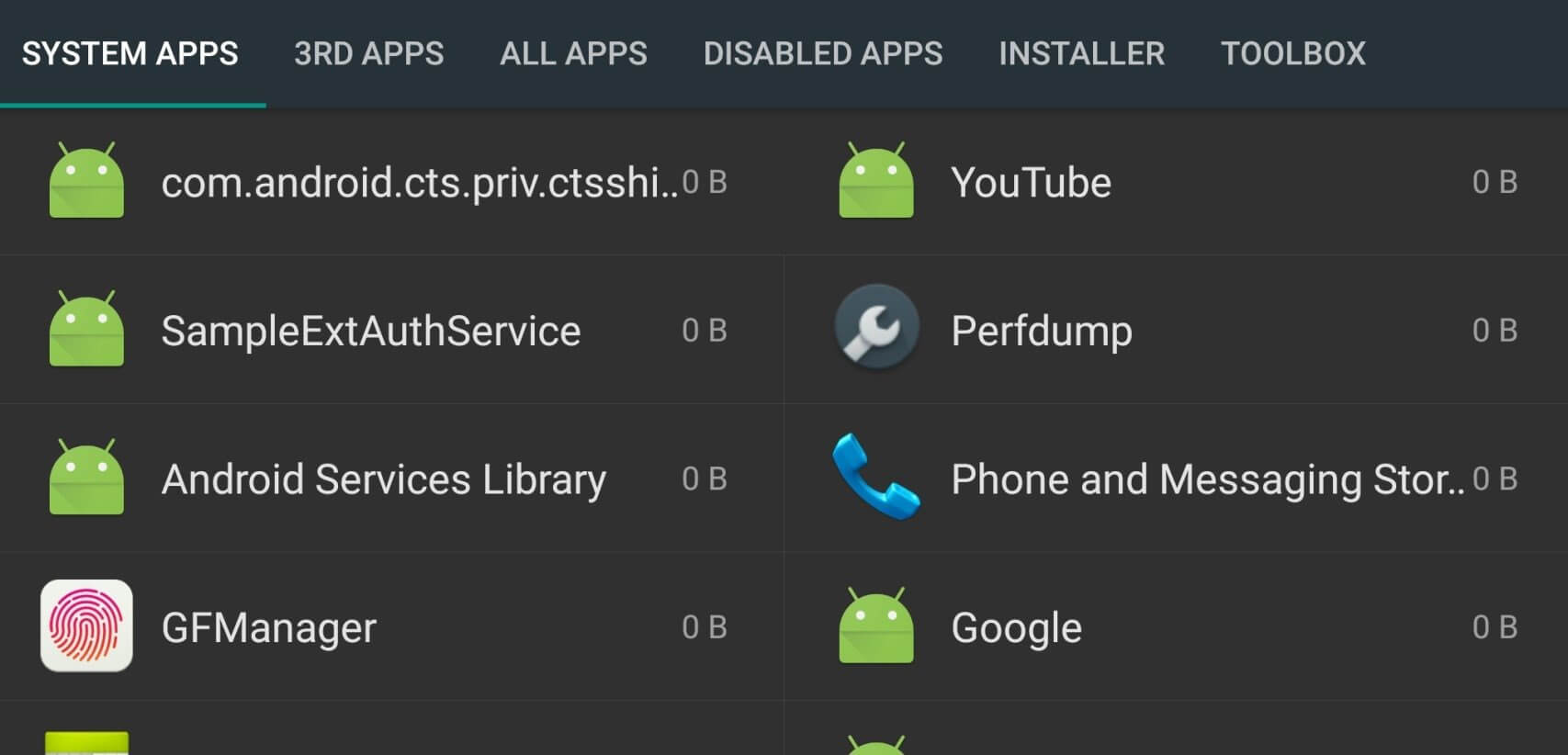
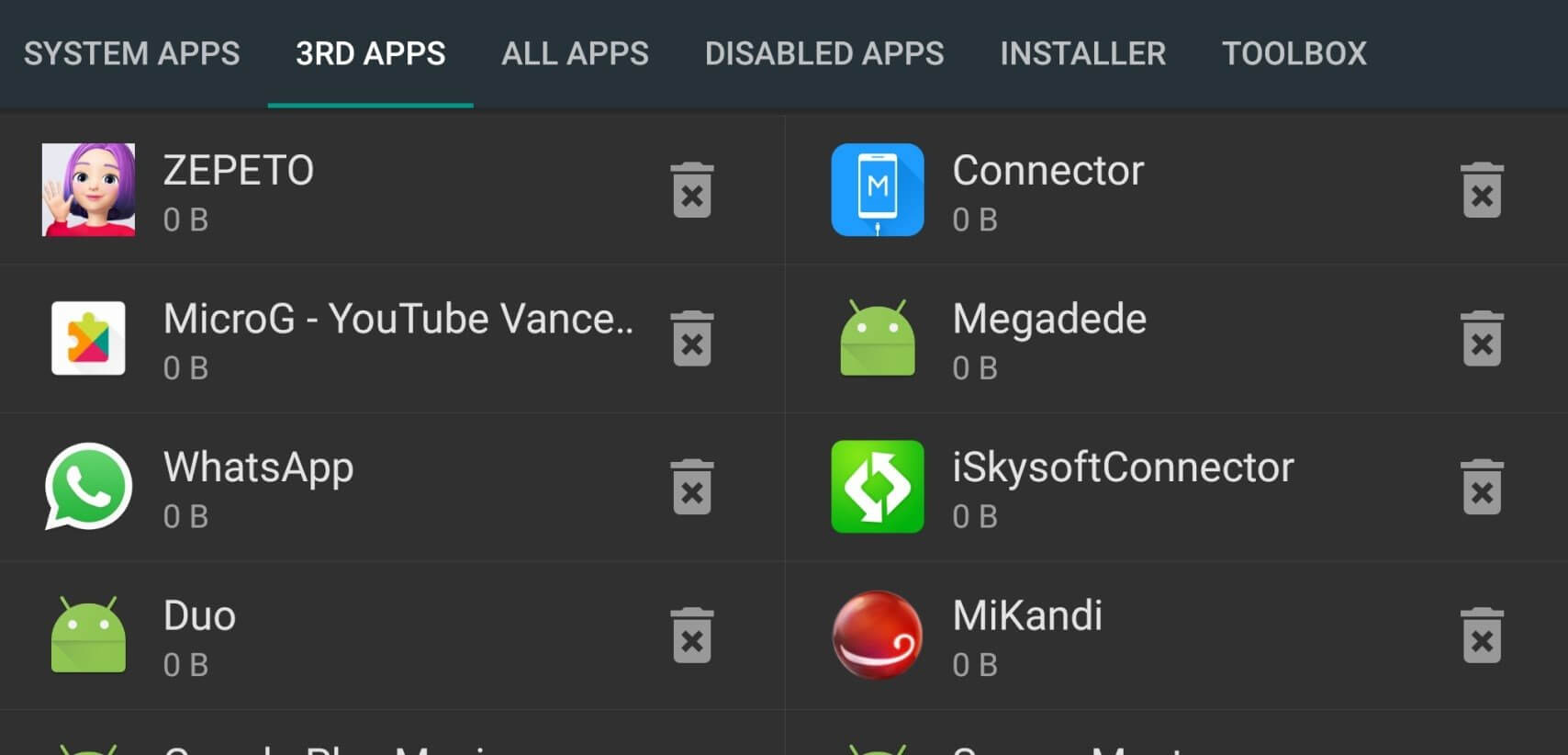
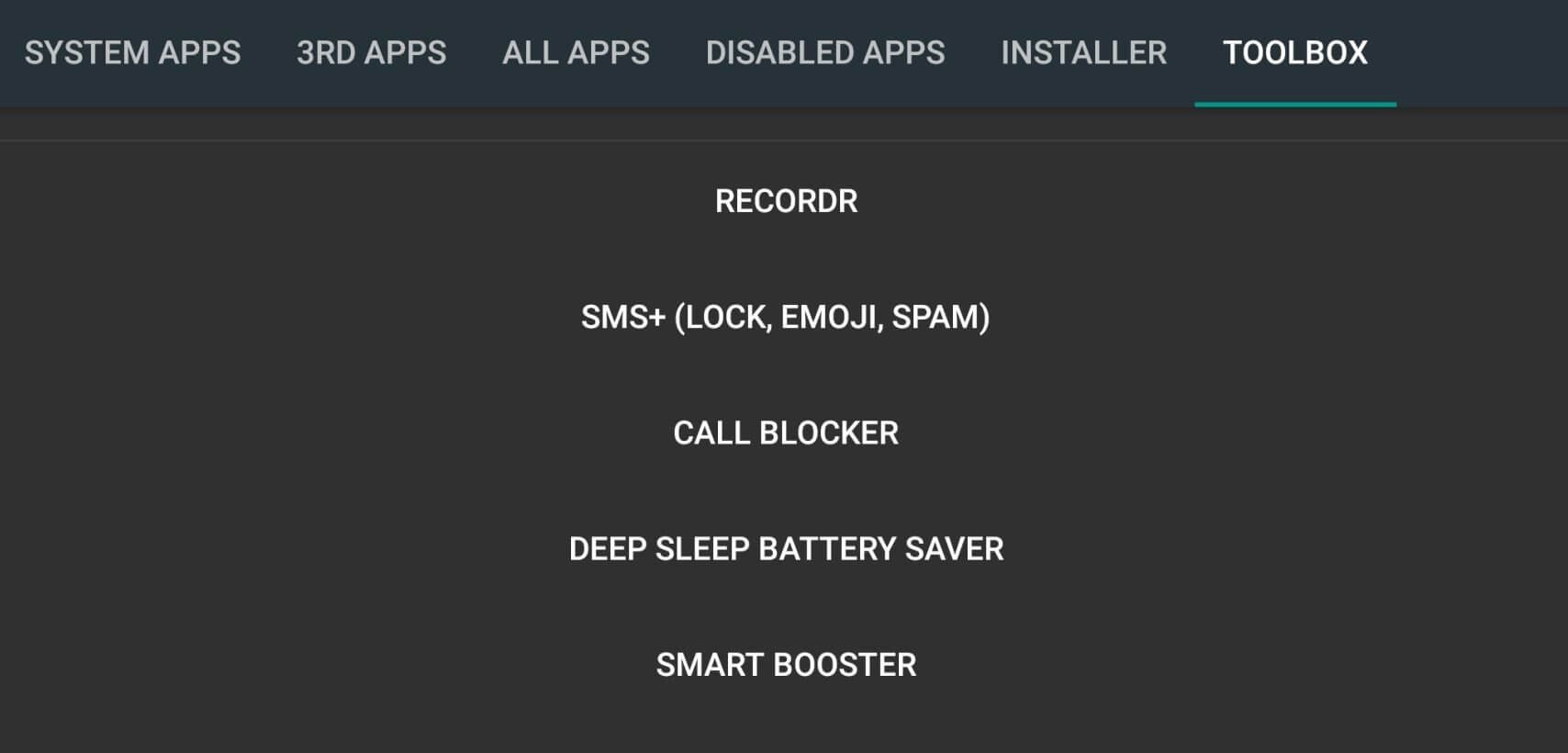
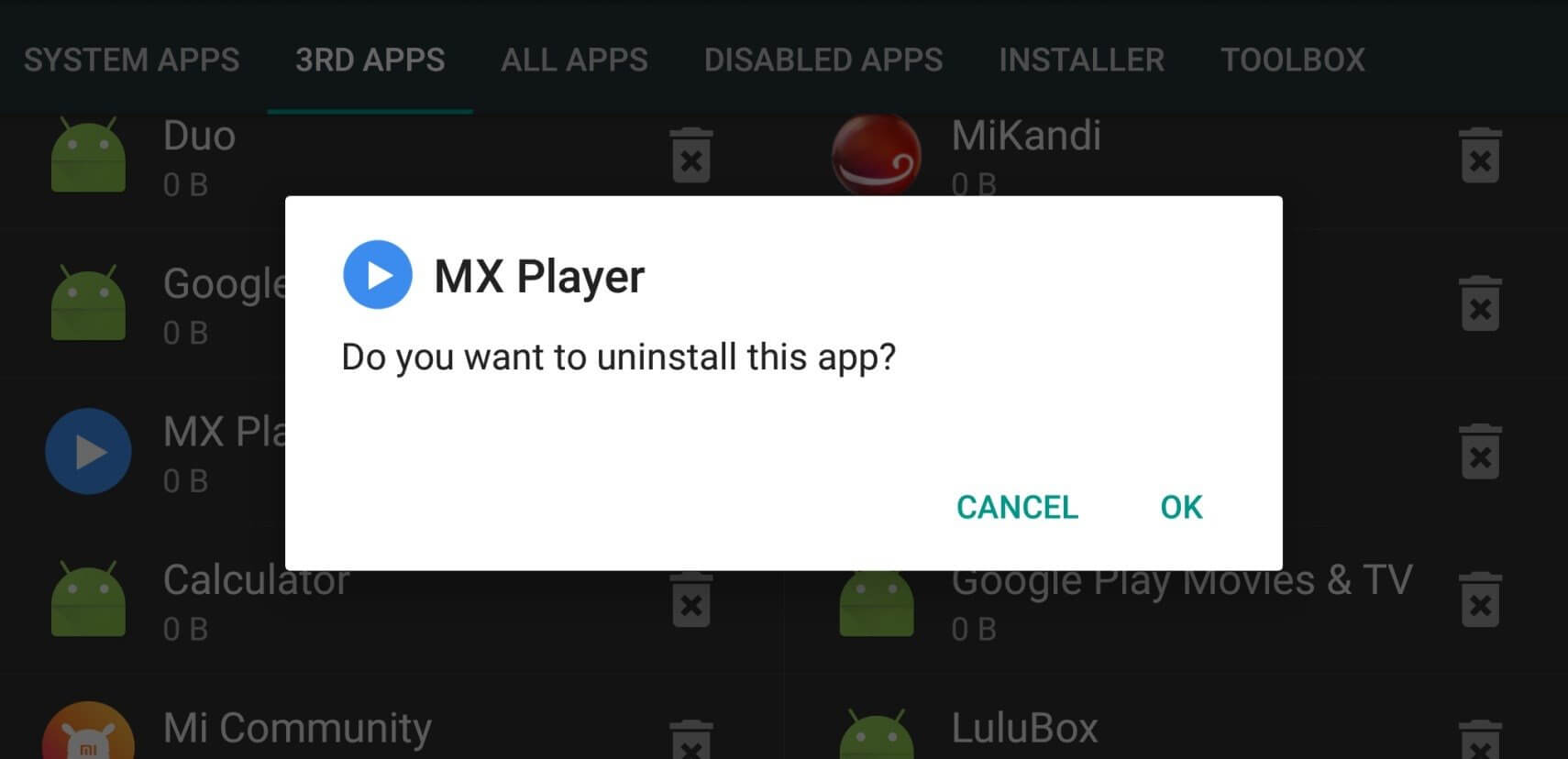
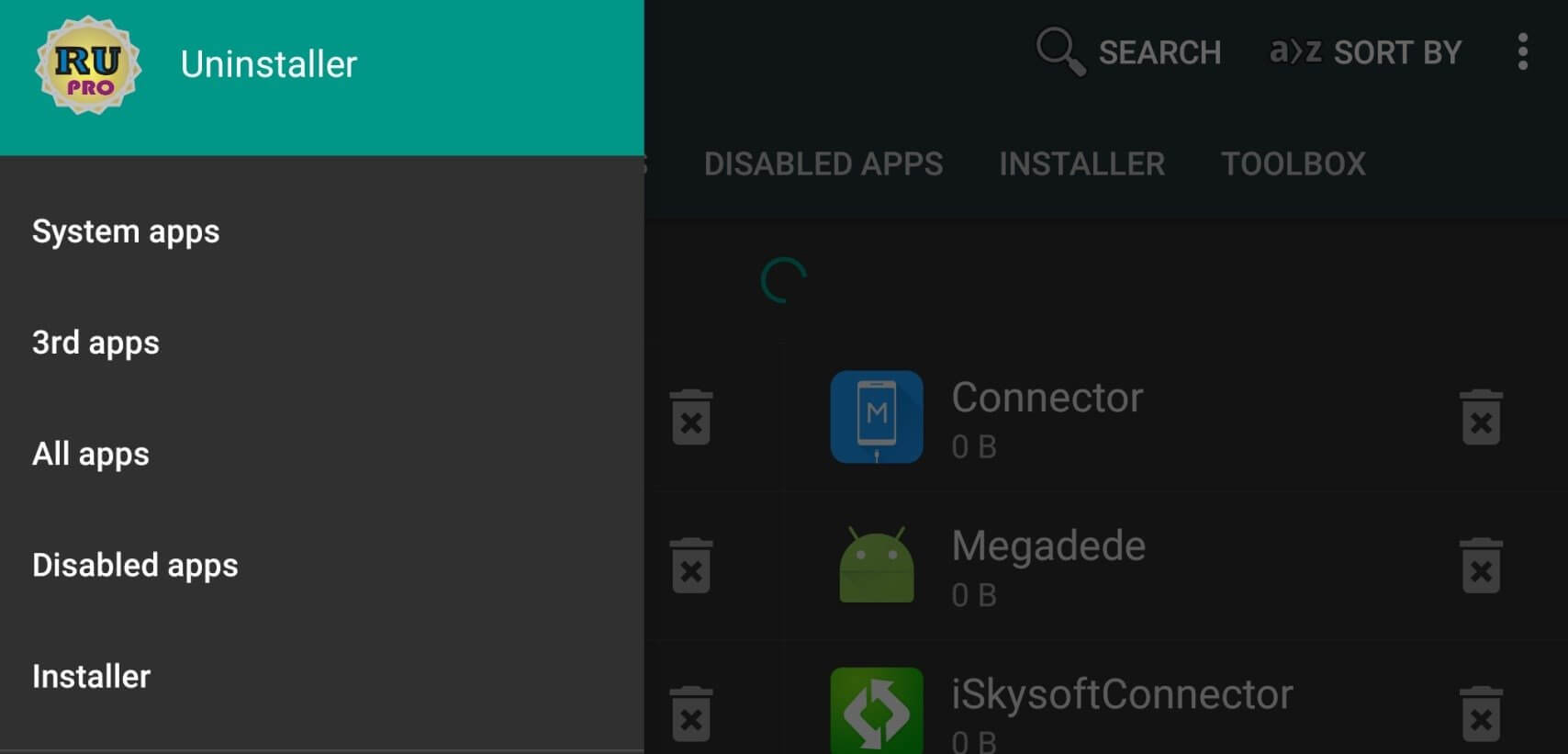
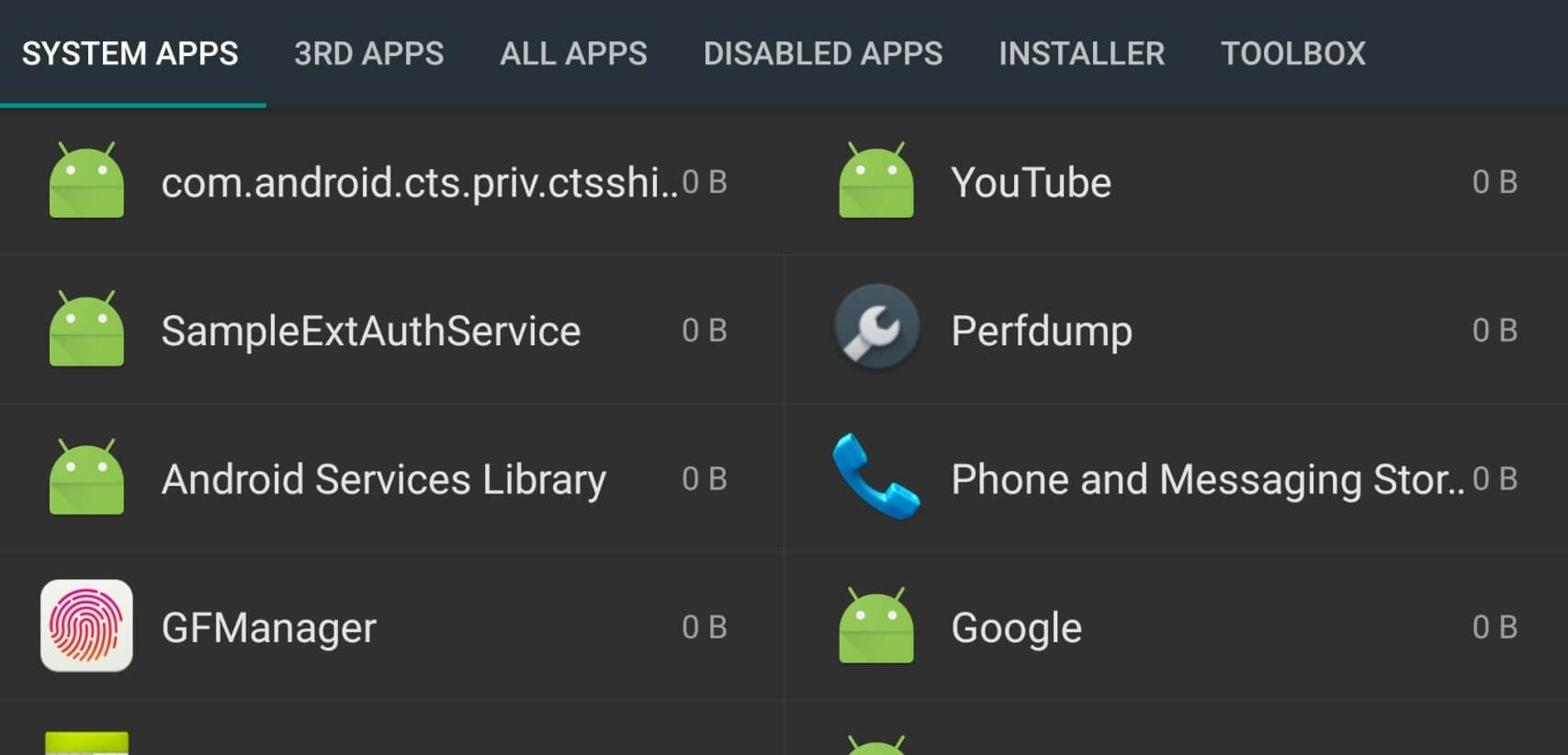

Root Uninstaller is a lightweight Android utility that lets you take control of the apps installed on your device. Whether you want to free up space, remove bloatware, or keep a backup of an app, this tool offers a straightforward way to do it.
The app works on both user‑installed and system applications, giving you the flexibility to declutter without needing a PC. This page covers the latest version details, installation steps, common issues, and how it stacks up against similar tools.
Quick Information
| App/Game Name | Root Uninstaller |
| Latest Version | 9.0.0 |
| Developer | Not listed |
| Category | Apps / Tools |
| App Size | 5.55 MB |
| Package Name | com.rootuninstaller.free |
| Last Updated | 14 January 2026 |
What Is Root Uninstaller?
Root Uninstaller is designed for users who want more granular control over their Android apps. Its core functions include:
- Uninstall: Remove any app, including those that come pre‑installed on the device.
- Freeze: Disable apps temporarily without deleting them, useful for testing or saving resources.
- Backup: Create a backup of an app’s APK so you can reinstall it later or share it.
The app targets Android users who are comfortable with advanced app management, especially those who have rooted devices, although basic functions may work on non‑rooted phones with limited access to system apps.
Compatibility
| Android Version | Not Verified |
| Architecture (ARM64 / 32-bit) | Not Verified |
| Internet Connection | ✓ Verified — May be required for ads, updates, or login |
| Storage Needed | Not Verified |
| OBB/Data Files | Not Verified |
| Root Required | ✓ Verified — This app needs root access |
How to Install
- Enable Unknown sources in Settings > Security (or allow the file manager to install unknown apps on newer Android versions).
- Download the Root Uninstaller APK file to your device.
- Tap the downloaded file to start the installation process.
- Follow the on‑screen prompts and grant any required permissions.
- Once installed, open the app and grant root access if your device is rooted.
Troubleshooting
- App not installed: Verify that the APK is complete and not corrupted. Re‑download if necessary.
- Crashes on launch: Ensure your device meets the minimum Android version (usually Android 5.0+). Clear cache/data or reinstall.
- MOD features not working: This is the official build; no MOD features are present.
- Root permission denied: Make sure your device is properly rooted and that you have a compatible root manager (e.g., Magisk).
- Backup/restore fails: Check that you have enough storage space and that the destination folder is writable.
Safety & Security
Root Uninstaller is an unmodified APK, but as with any third‑party download, you should verify the source before installing. Review the permissions the app requests; typical permissions include access to storage and, on rooted devices, root privileges. Avoid entering sensitive personal data into the app, and keep a backup of important files before making system changes.
How Root Uninstaller Compares
| Feature | Root Uninstaller | Titanium Backup | SD Maid |
|---|---|---|---|
| Price / Free model | Free | Paid (one‑time purchase) | Free with optional Pro upgrade |
| Platform availability | Android only | Android only | Android only |
| Standout feature | Simple uninstall, freeze, and backup in one UI | Comprehensive backup & restore, batch operations | System cleaning and duplicate file removal |
| Best for | Quick app removal and occasional backups | Power users who need full backup control | Overall device cleanup and maintenance |
Alternatives
Other well‑known tools that address similar needs include:
- Titanium Backup: A robust backup solution that requires root and offers batch processing, app freezing, and scheduled backups.
- SD Maid: Focuses on cleaning junk files, removing duplicate apps, and managing system data, with a free version and a paid Pro upgrade.
- System App Remover: A straightforward app that removes or disables system bloatware, also requiring root for full functionality.
Final Verdict
Root Uninstaller provides a clean, easy‑to‑use interface for uninstalling, freezing, and backing up apps, making it a solid choice for users who want quick control without a steep learning curve. It’s free, lightweight, and works on both rooted and non‑rooted devices (with limited system‑app access). Before installing, ensure your device meets the minimum Android version and that you trust the download source.
Frequently Asked Questions
The app itself is a standard APK, but you should always download it from a reputable source and review the permissions it requests.
Root access is required to uninstall or freeze system apps; regular user‑installed apps can be managed without root.
Root Uninstaller works on Android 5.0 (Lollipop) and newer, though newer OS versions may require additional permissions.
Yes, the backup function saves the APK file to your storage, allowing you to reinstall the app later or share the file.
Check that the APK is fully downloaded, enable installation from unknown sources, and ensure there is enough free storage on your device.
No, Root Uninstaller does not delete personal data unless you explicitly uninstall an app that stores data on the device.
Yes, you can install the APK even if the Play Store version is present; they will coexist as the same package.
Older versions are not listed here; you can check the version history section when more releases become available.